


Let’s be real: opening the Google Play Store can feel a bit like digging through a dumpster hoping to find a sandwich. It’s overwhelming. You scroll past thousands of colorful icons, just looking for a tool that solves a problem without creating three new ones. The issue isn't that there aren't enough apps; it's that it's incredibly hard to find good ones that aren't trying to steal your data or melt your brain with ads. Too many developers care more about their analytics than your experience. In fact, mobile app analytics tools are vital for them to figure out exactly who you are and how to squeeze money out of you.
They are optimizing for their wallet, but you need to optimize for your sanity. I remember staring at my phone last week, totally baffled. I’d downloaded a generic "free" flashlight app, and the first thing it did was ask for permission to access my contacts and location. Why? I deleted it immediately. That’s the state of the Android ecosystem right now. Finding free apps for android that actually respect you is harder than it should be. We put this list together to cut through the garbage and show you the apps on google play that actually deserve the storage space on your phone.
Table of Contents
TL;DR
In a rush? Here is the short version. We picked these free apps based on whether they are actually useful and if they respect your privacy.
Most "free" apps are just data vacuums; always check the permissions before you install.
If you're tech-savvy, check out f-droid for open-source apps that aren't tracking your every move.
We cover 25 apps, from heavy hitters like Google Drive to privacy tools like Signal.
Great software needs tough hardware; if you're using outdoor apps, get a case that can handle a drop.
What to Look for (And What to Avoid)
We didn't just throw darts at a board to pick these. "Free" usually comes with a catch. Before you hit that install button, you have to ask yourself what you're paying with—usually, it's your data or your patience. Here is how we vetted the list.
The "Freemium" Trap
Truly free apps are like unicorns. Usually, you're going to see "freemium" stuff. This means the app works, but the cool features are locked behind a paywall. You have to figure out if the free version is actually usable or if it’s just a glorified demo. Also, watch out for ads that pop up every time you tap the screen—those are instant uninstalls.
App Type |
Cost |
How They Make Money |
What It Feels Like |
|---|---|---|---|
Truly Free (FOSS) |
$0 |
Donations |
Clean, quiet, respects you. |
Ad-Supported |
$0 |
Ads / Selling Data |
Annoying banners and pop-ups. |
Freemium |
$0 (to start) |
Subscriptions |
Good for basics, gotta pay for the pro stuff. |
Paid |
$ |
Your money |
Premium feel, usually zero ads. |
Privacy & Permissions
Does a calculator need to know your location? No. Always check the permissions on the google play app page. Good apps only ask for what they need. If it feels sketchy, trust your gut and find an alternative.
Where You Get It Matters
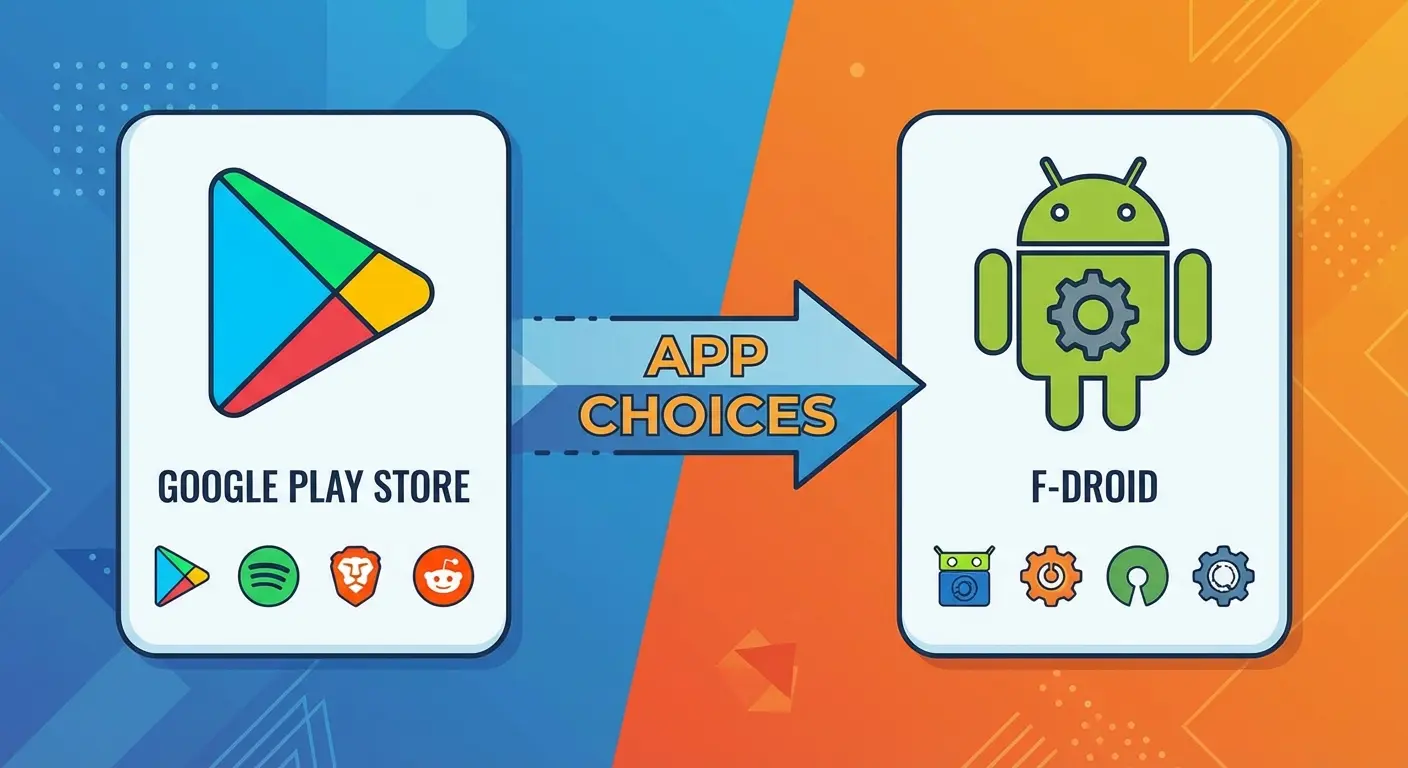
Most of us stick to Google Play. But power users often go to f-droid. This is a catalog of FOSS (Free and Open Source Software). These apps are usually ugly but incredibly secure and private. You have to enable "unknown sources" to use them, but it's often worth it.
Is It Abandoned?
Check the "Last Updated" date. An app download is a security risk if the developer hasn't touched it since 2019. Regular updates mean the dev is still alive and fixing bugs.
Quick Tip:
Before you grab a new widget, scroll down to "About this app." If the last update was three years ago, skip it. It's basically digital abandonware and might have security holes.
Does It Play Nice With Others?
The best all apps setup is one where everything talks to each other. If an app works on your phone, tablet, and laptop, it's going to save you a ton of headaches.
Productivity & Utilities
These are the workhorses. They aren't exciting, but they keep your digital life from falling apart.
1. Google Drive
The Lowdown: It's the standard for a reason. Cloud storage, Docs, Sheets, Slides—it’s all here.
Heads Up: It’s the default mobile application for Android. You get 15GB free. Just remember, it’s Google, so they are definitely using your data to personalize ads.
2. Bitwarden
The Lowdown: Stop using "Password123." Bitwarden is an open-source password manager that locks everything down and syncs across your devices.
Heads Up: Probably the best free security app out there. The free version does everything you need. Because it's open-source (on Play Store and f-droid), security nerds trust it.
3. Obsidian
The Lowdown: A note-taking app for people who think too much. It links your notes together like a personal wikipedia.
Heads Up: Totally free for personal use. It stores files locally on your phone (text files), so you own your data. No cloud account required unless you want to pay for their specific sync.
4. Files by Google
The Lowdown: A file manager that’s actually good at cleaning up junk, memes, and duplicate downloads. If you're switching over from the Apple world, you might want to check out the easiest ways to transfer photos from iPhone to Android so you don't lose your memories.
Heads Up: Free, no ads. It’s a lifesaver for managing your app download history and clearing up space when your phone gets full.
5. Proton Mail
The Lowdown: Email, but secure. Based in Switzerland, encrypted end-to-end.
Heads Up: The free tier gives you 1GB of storage. If you are trying to "de-Google" your life, this is step one.
Communication
There are a million chat apps, but these are the ones you'll actually use.
6. Signal
The Lowdown: The gold standard for private messaging. Text, voice, video—all encrypted.
Heads Up: It's a non-profit, so no ads and no trackers. If you care about privacy when you download apps, this is the first one you should grab.
Feature |
Signal |
SMS/MMS |
|
|---|---|---|---|
Encryption |
Always On |
Always On |
Nope |
Data They Collect |
Almost nothing (just timestamps) |
A lot (Linked to your ID) |
Everything (Carrier sees it) |
Who Owns It |
Non-Profit Foundation |
Meta (Facebook) |
Your Phone Company |
Ads |
Zero |
Metadata used for Ads |
Depends on the carrier |
7. WhatsApp
The Lowdown: The most popular messenger on earth. If you have friends in Europe or Asia, you need this.
Heads Up: Free. It's owned by Meta, so while they can't read your messages, they do know who you are talking to.
8. Discord
The Lowdown: Not just for gamers anymore. It's great for hobby communities, voice chat, and hanging out.
Heads Up: Free. They sell "Nitro" subscriptions, but that’s mostly for custom emojis and bigger file uploads.
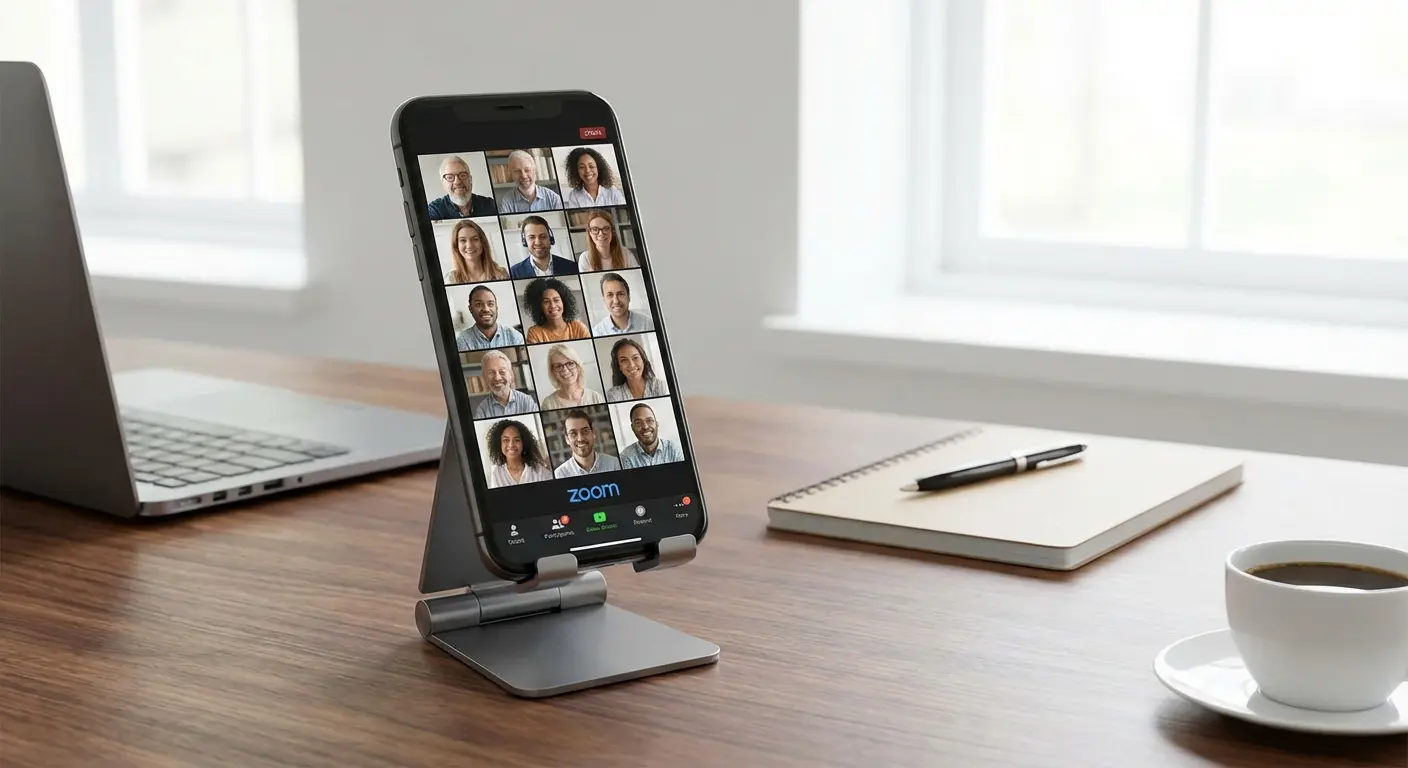
9. Zoom
The Lowdown: The video meeting app everyone knows.
Heads Up: Free tier cuts you off after 40 minutes if you have more than two people. Annoying, but standard for remote work.
Media & Entertainment
Don't pay for subscriptions unless you have to. These apps handle your media without the monthly fee.
10. VLC for Android
The Lowdown: The Swiss Army Knife of video players. It plays literally any file format you throw at it. If games are more your speed than movies, check out our list of top 17 Android games to look for.
Heads Up: Totally free, open-source, no ads. Essential app download if you watch movies offline.
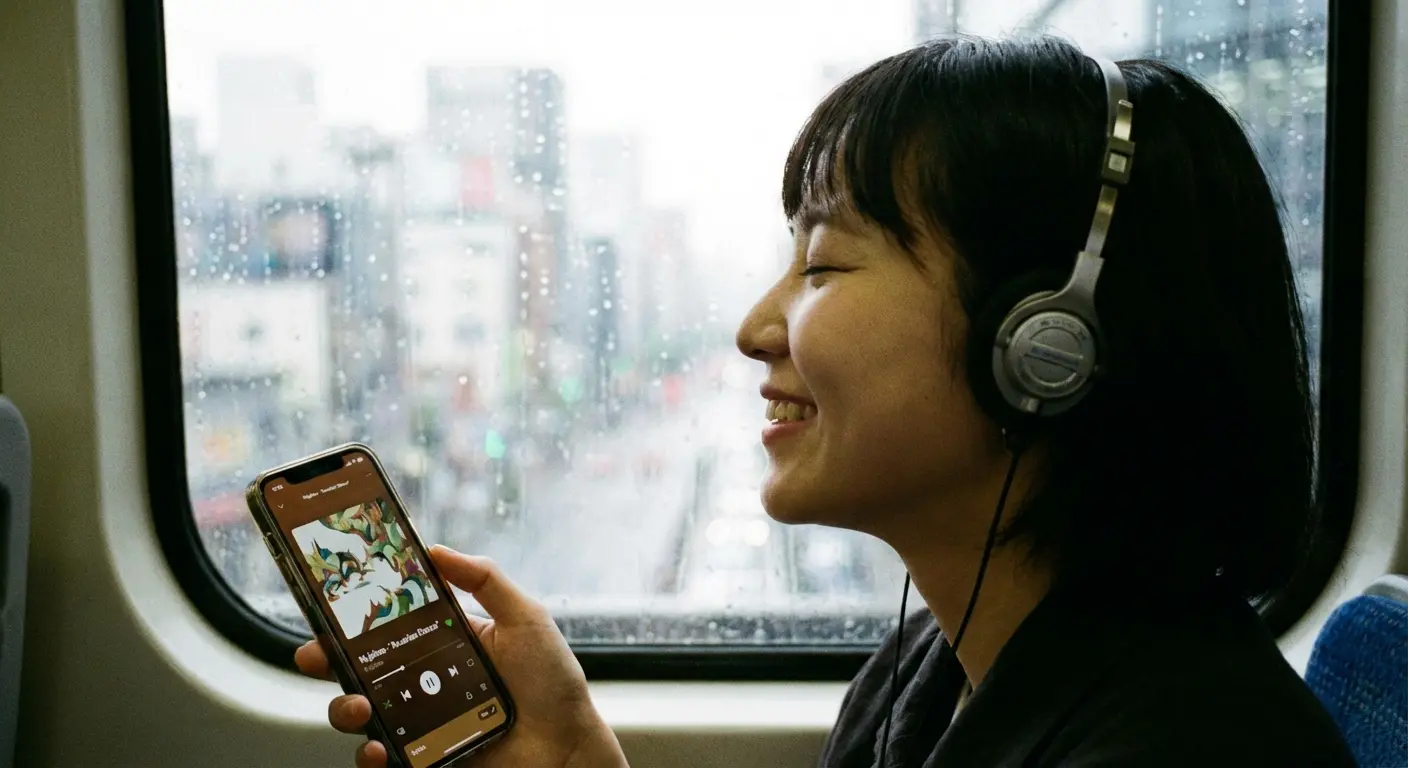
11. Spotify
The Lowdown: You know what this is. All the music in the world.
Heads Up: The free version is "freemium" and forces you to shuffle songs on mobile. Ads can be annoying, but the library is huge.
12. NewPipe
The Lowdown: A lightweight YouTube client. Background play, downloads, and zero ads.
Heads Up: You won't find this on Google Play (because Google hates it). You have to get it from f-droid. It requires a bit of tech know-how to install, but it's a game-changer.
13. Pluto TV
The Lowdown: Free live TV and movies. It feels like flipping through cable channels.
Heads Up: 100% free, but you have to sit through commercials. You don't even need to make an account.
Privacy & Browsers
Chrome is fine, but if you don't want to be tracked, try these.
14. Firefox
The Lowdown: Fast, private, and supports extensions like uBlock Origin on mobile (which blocks ads). If you like customizing your phone, you should also look at the best Android widgets for your Galaxy S22 Ultra.
Heads Up: Open-source and highly customizable. A solid alternative to Chrome.
15. DuckDuckGo
The Lowdown: A browser that doesn't track your history. It also has a feature called "App Tracking Protection."
Heads Up: Free. That tracking protection feature is awesome—it blocks other apps on your phone from spying on you.
16. Proton VPN (Free)
The Lowdown: A VPN to hide your internet activity.
Heads Up: One of the only free VPNs that isn't sketchy. They don't sell your data, but the speeds are just "okay" on the free tier. Gamers should also look at game booster apps for Android.
17. 2FAS Auth
The Lowdown: An open-source app for Two-Factor Authentication codes.
Heads Up: A great replacement for Google Authenticator. It backs up your codes securely so you don't get locked out if you lose your phone.
Creativity & Editing
You don't need a desktop to make cool stuff anymore.
18. Snapseed
The Lowdown: Google's pro photo editor. It's surprisingly powerful.
Heads Up: Completely free. No in-app purchases.
Pro Tip: Got a trash can ruining your perfect sunset photo? Open Snapseed, hit "Tools," then "Healing." Brush over the trash can and watch it disappear. It’s magic, and it’s free.
19. Canva
The Lowdown: Design tool for social media posts, flyers, and whatever else you need to make look pretty.
Heads Up: Freemium. The free version is great, but the best stock photos usually cost money.
20. CapCut
The Lowdown: The video editor everyone uses for TikTok and Reels.
Heads Up: Free to use. It's incredibly powerful for a mobile app, though some effects are locked.

21. Sketchbook
The Lowdown: A legit drawing and painting app.
Heads Up: Used to cost money, now it's free. Clean interface, great brushes.
Outdoors & Navigation
Getting out of the house? Take these with you.
22. Google Maps
The Lowdown: You can't beat it for finding coffee shops or avoiding traffic.
Heads Up: Free. It tracks your location aggressively, but the data is unmatched.
23. Strava
The Lowdown: Tracks your runs and rides. It's basically Facebook for athletes. If you live on two wheels, check out our deep dive on the 5 best cycling apps in 2023.
Heads Up: Freemium. The free version tracks your GPS and stats just fine; you only pay for the fancy analytics.
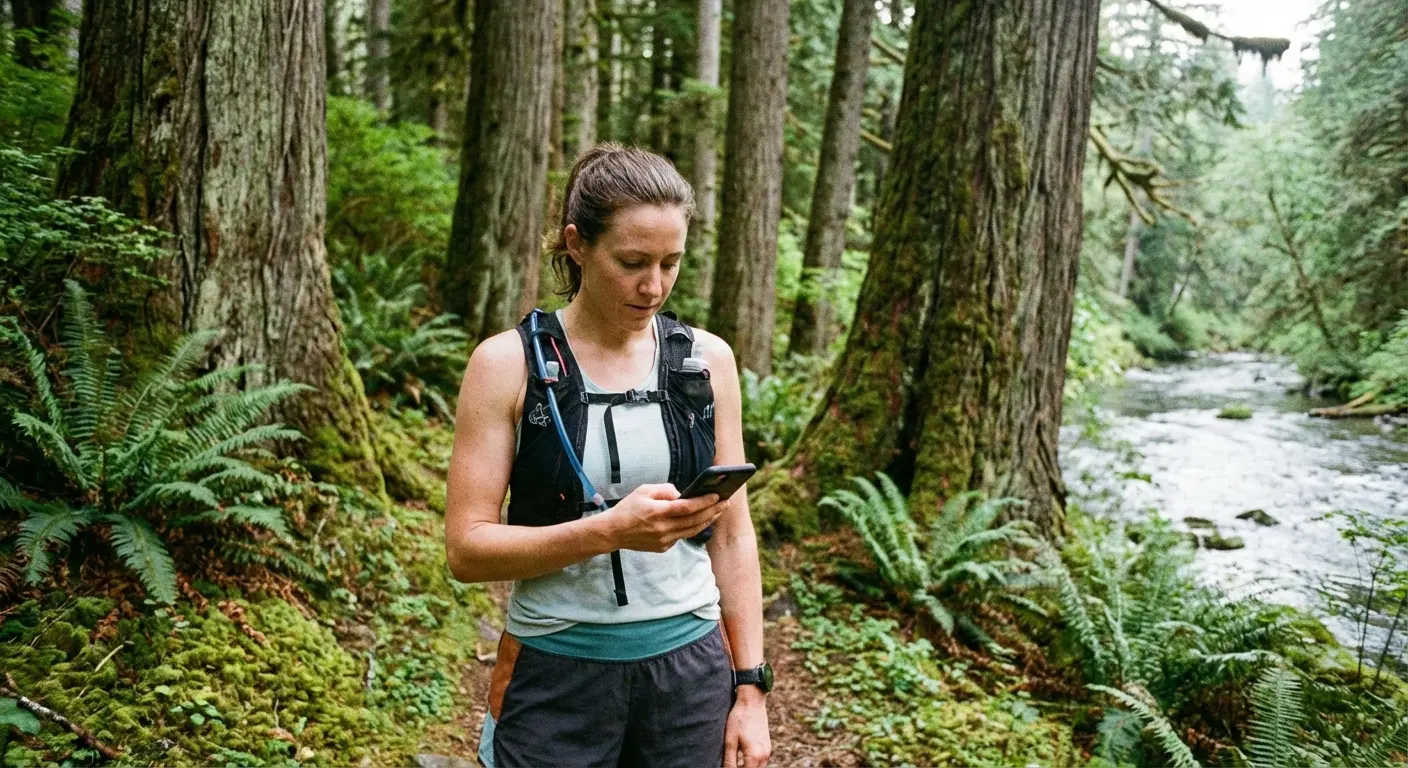
24. AllTrails
The Lowdown: The ultimate guide to hiking trails.
Heads Up: Free to find trails. If you want to download maps for offline use (when you have zero signal), you have to pay.
25. AccuWeather
The Lowdown: Tells you exactly when it's going to rain.
Heads Up: Ad-supported. The "MinuteCast" is super accurate.
App |
Best For |
Offline Mode (Free) |
Community |
|---|---|---|---|
Google Maps |
Driving & Business |
Yes (Download Areas) |
Reviews & Photos |
AllTrails |
Hiking |
No (Need Sub) |
Trail Reports |
Strava |
Exercise Tracking |
GPS Recording Only |
Huge Social Network |
Real World Protection: Integrating Rokform
So, you've spent the time to search apps on Google Play, you've checked the permissions, and you've got your phone set up perfectly. But here is the thing: software is only as good as the hardware it runs on.
This is where Rokform comes in. Modern Android phones are powerful computers, but they are fragile glass sandwiches. If you're using Strava to track a ride, Google Maps to navigate a road trip, or Spotify to handle the tunes, you are exposing your phone to drops, vibrations, and concrete. A cracked screen makes even the best free apps for android totally useless. Rokform isn't just a case; it's a system that lets you actually use these apps in the real world without breaking your stuff.
Mount It, Don't Fumble It
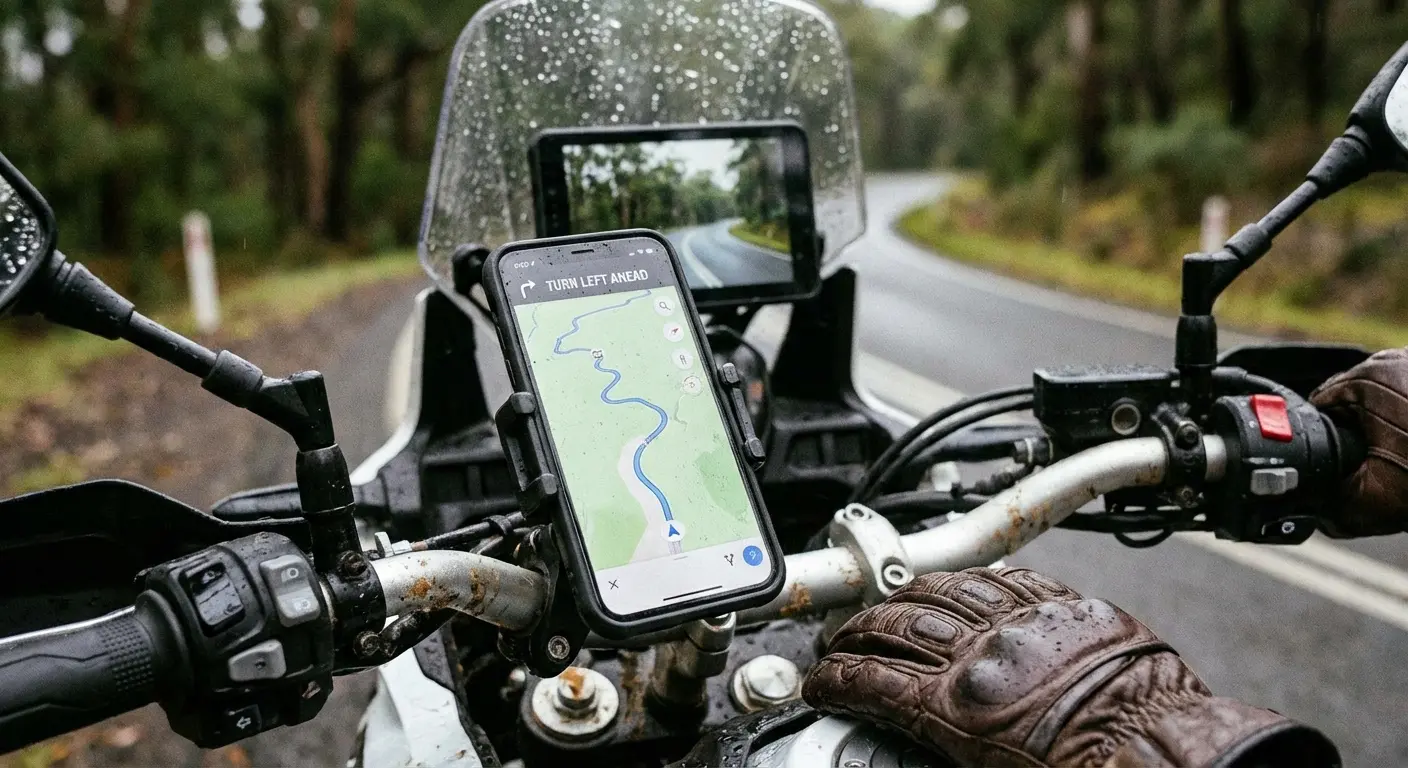
If you use Waze or Google Maps, you need your phone where you can see it. Rokform’s cases use the RokLock™ twist lock system and industrial-grade magnets. You can snap your phone onto a motorcycle, car dash, or even a golf cart in a second. If you aren't sure which setup fits your ride, check out our guide on the best dash phone mounts for Android. You can download apps for navigation and actually use them hands-free.
Power Through MagSafe®
A lot of Rokform's Android cases are now compatible with MagSafe® accessories. That means you can use the Rokform Magnetic Wireless Charging Stand to keep your battery topped up while running power-hungry GPS apps.
The Commute Hack:
Running Waze and Spotify at the same time kills your battery. With a Rokform MagSafe® case and a magnetic car charger, you just snap the phone onto the mount. It holds the phone for the map and charges it wirelessly. You arrive with 100% battery instead of a dead phone.
Rugged Protection
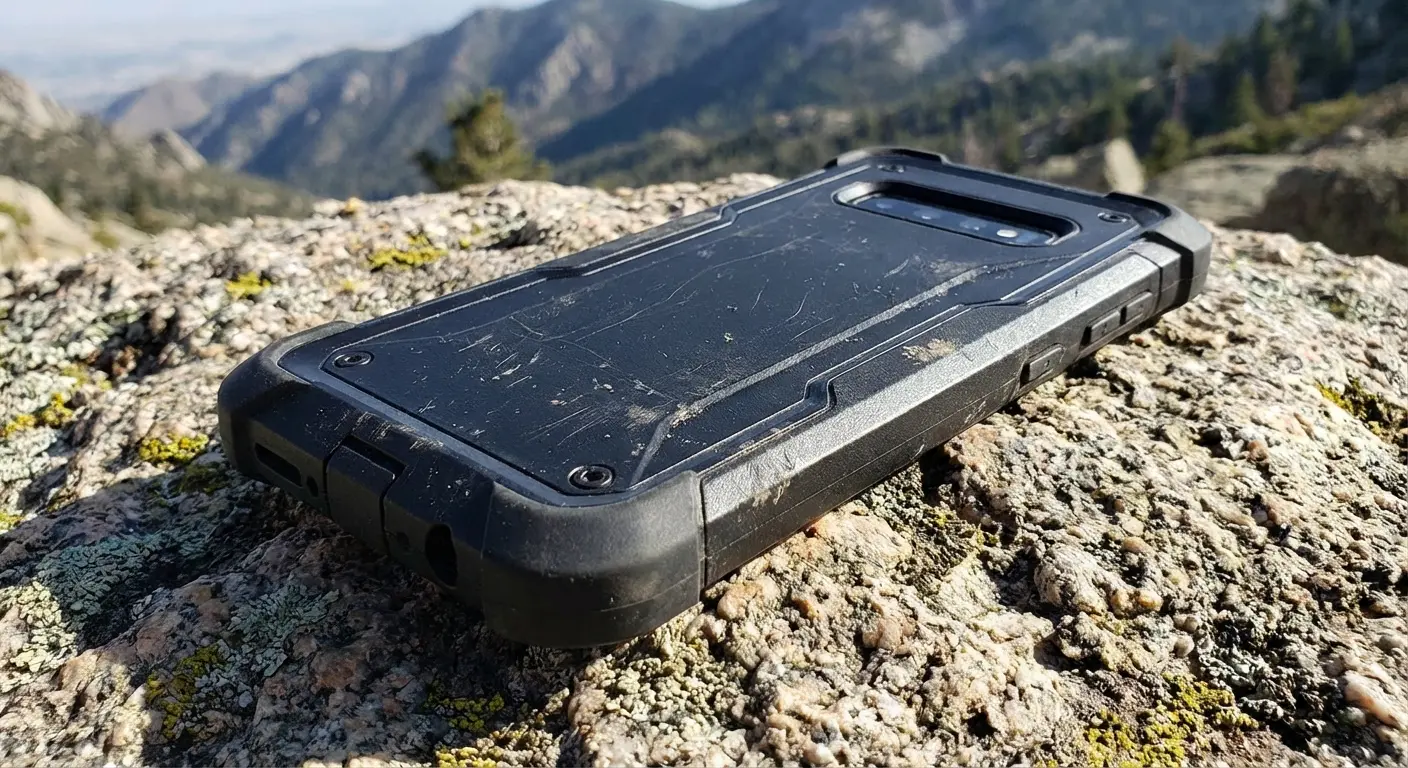
We use high-impact polycarbonate to give you 6-sided, 360-degree protection. If you're using AllTrails on a hike and your phone slips onto a rock, Rokform’s protection means you pick it up, dust it off, and keep moving. When you download app data for offline use and head into the wild, your hardware needs to be as ready as your software.
Final Thoughts
The right mix of free apps can turn your Android phone into a productivity beast or a portable movie theater. We’ve covered everything from privacy browsers to pro editing tools. But while software organizes our lives, protecting the hardware ensures we can actually keep living them. Download these apps, slap a Rokform case on your phone, and get out there.

