


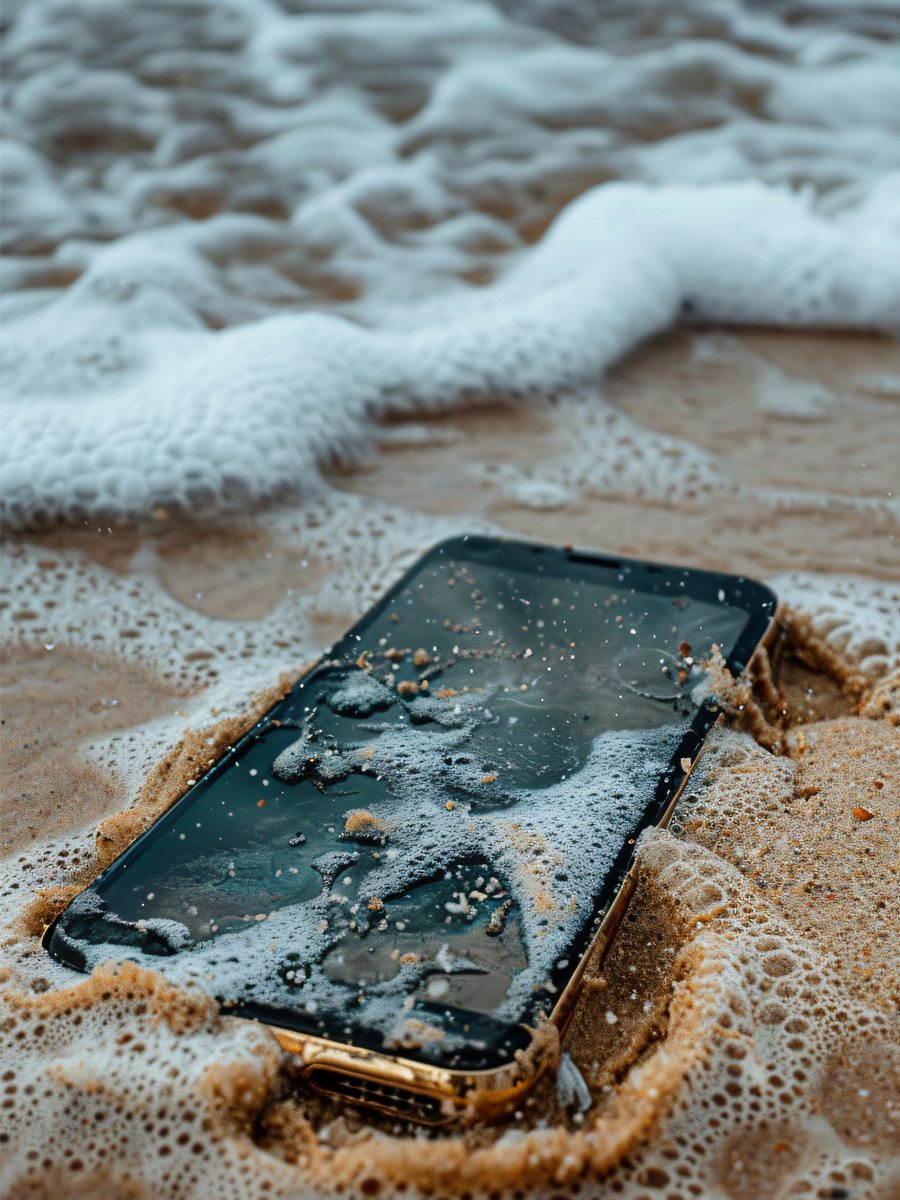
Dropping your phone in water feels like a jump scare in real life. One second you’re scrolling, then the next your screen’s swimming. The good news? You can figure out how to get water out of your phone without rice bowls, wild hacks, or even full-on panic. All you need is some smart moves, a little patience, and a plan that doesn’t wreck your device more than it may already feel like. Moisture trapped behind the lens needs a different approach, covered in how to get water out of a phone camera.
In this post, we’re going to take you through every step. So whether it slipped into a sink, got soaked in the rain, or maybe took a dunk in the pool, we’ve got your six. You’ll learn how ejecting water works, and when to trust a water eject sound. This way, you can save your phone, keeping it ready for maps, music, rides, and Wireless CarPlay on your next drive. Let’s get started:
Quick Links
TL;DR
Turn your phone off as fast as possible after a splash
Don’t shake it, don’t blast it with heat, and skip the rice tricks
Gently dry the outside, then let gravity and airflow do the work
Use safe eject water sounds or tools if your speaker’s muffled
Let your charging port dry completely before plugging anything in
Even “water-resistant” phones have limits, especially in salt or pool water
Good cases, smart habits, and solid accessories keep future dips less scary
What To Do the Second Your Phone Gets Wet
Move Fast, But Stay Calm
The second your phone hits water, your only job is simple: Get it out, right away. Every extra second in the water gives that moisture more time to slip into ports, gaps, and tiny spots you can’t see.
Once you’ve grabbed it, turn it off. Don’t tap around to see if it still works. And definitely don’t open apps “just to check.” Power it down and leave it off so you don’t fry anything inside.
Strip It Down (Only the Safe Parts)
Take off the case. Pop off any external grips or mounts. Wipe everything with a soft, dry, lint-free cloth so you’re not letting water sit on the outside while you deal with the inside.
If your phone has a removable SIM tray, open it and gently pat it dry. Then set the phone so the SIM slot and charging port face downward so water can slide out instead of hiding deeper inside.
If you like having a clear game plan, here’s a quick look at what to do in those first few minutes and what usually goes wrong when people panic:
Action |
Right Move |
Why It Helps |
Common Slip-Up |
Power status |
Turn the phone off completely |
Keeps electrical shorts from frying parts (asurion) |
Leaving it on or just “locking” it |
Water removal angle |
Tilt the phone with ports facing down |
Lets water work its way out, not deeper in (backmarket) |
Shaking it hard in every direction (docphonefix) |
Charging |
Avoid all chargers and power banks |
Stops live power from hitting wet |
“Testing” the charger to see if it still works (docphonefix) |
Button testing |
Don’t press any buttons |
Keeps water from spreading under the keys (docphonefix) |
Mashing buttons to check if it’s okay |
No matter what, a dry phone is the only way your maps, music, and rides stay fun instead of stressful.

Big “Don’ts” That Can Kill Your Phone
Skip the Rice Bowl Trick
Rice looks helpful in viral clips, but it’s not your friend here. It doesn’t pull moisture out of your phone the way people think, and it can leave dust and starch stuck in ports and speakers.
You’re way better off with a dry surface, airflow, and time. If you’ve got silica gel packets from shoe boxes or packaging, those are more useful than rice any day.
Don’t Blast It With Heat
A hair dryer feels like an easy fix. Same for leaving your phone in direct sun. Both can warp parts inside, melt seals, or push water deeper into places it should never go.
Warm, steady room air is enough. No heaters. No ovens. No blow dryers. No putting it on your car dash in the sun “just for a bit.”
Don’t Shake, Slam, or Blow Like Crazy
Shaking your phone to get water out seems logical. It’s not. That just throws the liquid around inside and spreads the problem.
Same goes for blowing hard into ports. You’ll likely just push water deeper, or even add more moisture from your breath. Gentle moves only.
How to Get Water Out of Your Phone (Step by Step)
Step 1: Power Down
Step 2: Dry the Outside
Step 3: Let Gravity Help
Set your phone so the charging port faces down. Lean it at an angle against something solid. That way, any trapped water has a clear path out instead of pooling inside.
This is where patience kicks in. You’re not fixing everything in five minutes. You’re giving water a way out, then letting time do what it does best.
Step 4: Give It Time to Breathe
Put your phone somewhere dry with good airflow. A clean desk, a shelf, or a nightstand works. If you’ve got a fan, you can let gentle air pass across it from a distance.
Most guides recommend waiting at least 24 hours before turning it back on. Longer is even better if it took a deep dive or stayed submerged for a while.
These same basics work whether you dropped it in a sink or took a full soak and now you’re scrambling to figure out how to get water out of your phone before the damage sticks.
Water Stuck in Your Speaker? Try This
Why Your Phone Suddenly Sounds Underwater
You powered your phone back up and everything seems fine. Then you play a video, and the sound is muffled, buzzy, or just sad. That’s water chilling in the speaker opening.
This is where water eject tones and speaker tricks actually help. The idea’s simple. The speaker plays a specific sound that vibrates the tiny opening and pushes droplets out.

Safe Ways to Eject Water From Speakers
You’ll see plenty of sites and apps that play special sounds to eject water from your speakers, basically shaking droplets loose with controlled vibration. When used gently, these can help move trapped droplets toward the outside instead of leaving them stuck.
Use them smart:
Turn your volume up, but not maxed out
Hold the phone so the speaker faces down
Run the sound a few times, then stop and check the grille
Pat away any droplets that appear with a soft cloth
This doesn’t replace drying time. It just helps speed up the last bits of water hanging out near the speaker so your music doesn’t sound like it’s stuck in a puddle.
Charging Port Still Wet? Here’s What to Do
Don’t Rush to Plug It In
If you see a moisture warning when you plug in the charger, believe it. Phones throw that alert for a reason. Unplug immediately and let it dry.
Charging a wet phone can cause short circuits and damage parts that would’ve been totally fine if you’d just waited a little longer.
How to Help the Port Dry Faster
Here’s how to get water out of phone charging ports without wrecking them:
Turn the phone off
Take the case off
Gently tap the phone against your hand with the port facing down
Let it sit somewhere dry with the port facing downward
Give it several hours (or overnight) before trying to charge again
No cotton swabs. No paper clips. No “just a quick blow” inside the port. Less is more here.
If you want a little backup while your phone dries, here’s how common “dry-out” helpers really stack up in the real world:
Drying helper |
Speed rating |
How well it works |
What’s good about it |
What can go wrong |
Plain rice |
Low |
2/10 |
Easy to find in most kitchens |
Dust and starch can sneak into ports (backmarket) |
Silica gel packets |
High |
8/10 |
Made to pull moisture fast and clean (backmarket) |
You may not have many lying around |
Commercial desiccants |
Very high |
9/10 |
Built for serious moisture pull with indicators (docphonefix) |
Costs more and not everyone keeps them handy |
Silica-based cat litter |
Medium |
6/10 |
Big bag means lots of coverage |
Loose bits can cause a mess or contamination (docphonefix) |
Is Your Phone Really “Water-Resistant”?
Phone marketing loves big promises. Real life doesn’t always match the hype. If you want your phone to survive the next splash, it helps to know what those ratings actually mean.

IP67 vs IP68 in Real Life
You’ve probably seen IP ratings thrown around. IP67. IP68. Sounds important. But it doesn’t mean your phone wants to swim laps. An IP67 vs IP68 rating just tells you how long it can usually handle fresh water, under specific test conditions, at a specific depth.
IP67 can usually deal with up to about one meter of fresh water for around 30 minutes. IP68 goes a bit deeper or a bit longer, depending on what the brand chooses to certify.
Real life is messier. Salt water, hot tubs, soapy dish water, or chlorinated pools are way harder on seals and coatings than those lab tests. Questions like: How water-resistant is the iPhone 12 Pro Max? and Is the S23 waterproof? tend to break down where those limits really show up once you’re away from the spec sheet.
Why You Still Need to Be Careful
Even durable iPhones and top Android flagships have limits when it comes to long soaks, pressure, or older seals that’ve seen a few too many drops. A tiny crack in glass or frame changes how that rating plays out in the real world.
That’s why people who care about protection, cases, and smart setup don’t treat those ratings like superpowers. They treat them like backup, not a dare.
When It’s Time to Call in the Pros
Red Flags You Don’t Ignore
Some issues scream “get help now.” Things like:
The screen flickering or going full glitch mode
Buttons or touch not responding even after a long dry
A burning smell when you try to charge it
The phone overheating out of nowhere
Those are signs something inside is still wet or already damaged. Trying to push through can turn a fixable phone into one that’s completely done.
Why a Repair Shop Might Save the Day
If your data matters, or your phone just won’t behave even after a long dry session, a repair shop can take it apart, clean internal corrosion, and check for parts that need swapping.
Not every phone can be saved. But giving a pro a shot is better than letting slow corrosion chew up your motherboard over the next few weeks.
Water Damage Recovery Testing Checklist:
Once your phone’s dry and you’re brave enough to turn it back on, don’t just trust the home screen and call it good. Run through this quick check to see if your phone’s really back in action or just pretending everything’s fine.
Phone powers on cleanly without random restarts or surprise shutdowns
Touchscreen responds smoothly across the whole display, not just in “safe” spots
Screen shows no weird colors, flickering, or new dead pixels
Front and rear cameras open fast and don’t fog up or smear the image
All speakers play clear audio with no crackling, buzzing, or low, muffled sound
Microphones record your voice clearly during voice memos or calls
Charging port takes a cable and charges normally, without warnings or drops
Wireless charging (if you have it) still works like it did before the splash
Wi‑Fi and Bluetooth connect fast and stay connected without cutting out
All physical buttons click and respond the way they should every time
Face ID or fingerprint unlock still works without weird errors
Battery drains at its usual pace instead of dropping like a rock
How to Protect Your Phone From Water Next Time
You don’t have to live in fear of every puddle. A little planning goes a long way, especially if you’re active, ride a lot, or hand your device off to kids and teens.

Think Ahead Before the Splash
Most people don’t even think about water until their phone’s already dripping. You don’t have to live like that. Simple habits cut your risk fast:
Keep your phone out of shallow pockets near pools and boats
Don’t leave it on the edge of sinks or tubs
Use a mount when you’re near water on bikes, boards, or rides
Know where your closest towel or dry cloth is when you’re around water
If you’re handing a device to younger users, guides that cover the best phones for kids and phones for teens can help you pick setups that can take a little chaos without falling apart.
Add Real Protection, Not Just Vibes
Water resistance and smart habits help. So do smart gear choices. No matter what, it’s important to protect the phone from water and choose phone case materials that handle splashes way better than others.
Pair that with solid Android phone cases or smart iPhone protection, and you give your phone a real fighting chance when water shows up.
Rokform Gear That Actually Helps
Cases Built for Real Life
If you’re the kind of person who rides in the rain, golfs in the mist, or takes your phone on every single adventure, Rokform is built for you. Our Cases are designed to handle rough days, wet drives, and the occasional “whoops” without making your phone feel like a brick in your pocket.
They’re ready for long rides, big days, and those moments when “I’ll be careful” doesn’t quite go according to plan.
Mounts That Keep Your Phone Out of the Splash Zone
Solid mounts are a secret weapon against water damage. When your phone’s locked in on your bars, dash, or cart instead of bouncing around in your hand or pocket, it’s less likely to take an unexpected dive.
From bikes to trucks to courses where you’re checking the best GPS golf apps or scouting golf speakers to look for, a mounted phone stays safer than one bouncing around loose.
Power and Accessories That Back You Up
When the chaos is over and your phone’s dry, you still want it working like nothing ever happened.
Rokform power gear and smart accessories keep your daily setup clean, charged, and ready for whatever’s next - road trips, trail days, and late-night drives.
That way, whether you’re following GPS apps for iPhone, riding out on your mountain bike with must-have accessories, your phone’s ready to roll.
After Thoughts
Water and phones are never going to be best friends. But when you know how to get water out of your phone, a splash doesn’t have to turn into a full disaster. Turn it off fast. Dry it smart. Let gravity, airflow, and time do the heavy lifting. Use water eject and eject water tools when your speaker sounds off, and don’t rush the charging port if it even hints at being damp.
With things like gear that feels built for phones that won’t die, you’ve got plenty of ways to keep your device ready for real life.
When you’re ready to lock in real-world protection that matches how you actually live, grab Rokform:
Cases, mounts, power, and accessories, and keep your phone ready for whatever’s next - rain, rides, road trips, and everything in between.

